How to Build Drone Software With Python
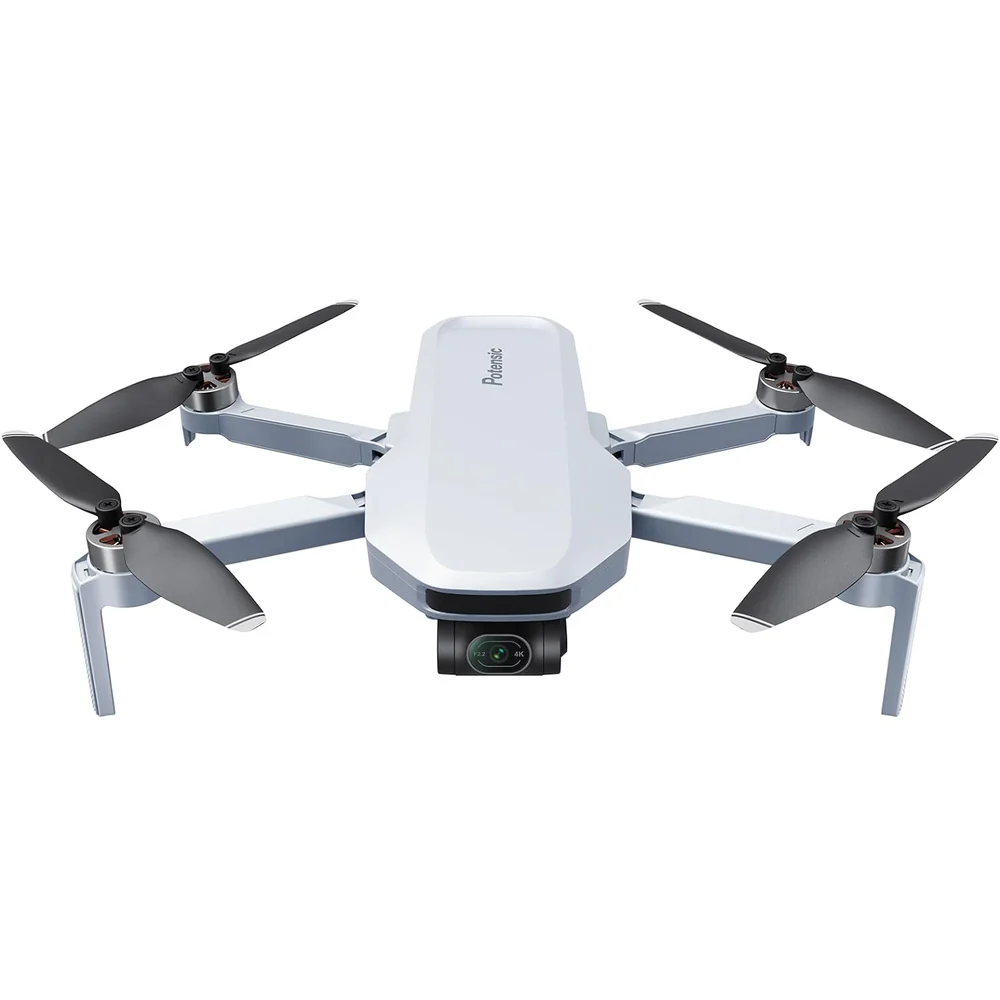
How to Build Drone Software With Python
Drones have revolutionized industries from agriculture to filmmaking, and building custom software for them opens up endless possibilities for automation, data collection, and AI integration. Python, with its simplicity and vast ecosystem of libraries, is an ideal language for drone development.
Whether you're a hobbyist or a professional engineer, you can create software that controls flight paths, processes sensor data, or even enables autonomous missions, running on an Arduino. In this guide, we'll walk through building drone software from scratch using Python, focusing on open-source tools like DroneKit and PyMavlink.
Why Python for Drone Software?
Python's readability makes it perfect for rapid prototyping. Libraries such as DroneKit provide high-level APIs for commanding drones, while lower-level options like PyMavlink handle communication protocols. Popular drone platforms like ArduPilot and PX4 support Python integration, allowing you to script everything from takeoff to complex maneuvers. Plus, Python excels in integrating with computer vision (OpenCV) and machine learning (TensorFlow), turning your drone into an intelligent device.
For hardware, you don't need an expensive drone to start. Use a simulator like SITL (Software In The Loop) with ArduPilot, or affordable options like the DJI Tello EDU. If you're building a custom quadcopter, pair it with a flight controller like Pixhawk and a companion computer such as a Raspberry Pi. You can also buy used DJI drones very cheaply on open, P2P marketplaces.
Prerequisites
Hardware / Simulation: A drone with MAVLink support or a Tello drone. For testing, install SITL using ArduPilot instructions.
Software: Python 3.8+, pip, and key libraries: dronekit, pymavlink, mavproxy.
Development Environment: VS Code or PyCharm. Ensure USB drivers are installed if using real hardware.
Install dependencies with pip:
pip install dronekit pymavlink mavproxy
Setting Up the Environment
Start with simulation to avoid crashes. Launch SITL:
./sim_vehicle.py -v ArduCopter --console
In Python, establish a connection using DroneKit:
from dronekit import connect, VehicleMode

import time


vehicle = connect('127.0.0.1:14550', wait_ready=True)


print("Connected! Mode: %s" % vehicle.mode.name)
Basic Drone Control
Arm the motors and take off:
def arm_and_takeoff(target_altitude):

    print("Arming motors")

    vehicle.mode = VehicleMode("GUIDED")

    vehicle.armed = True


    while not vehicle.armed:

        print("Waiting for arming...")

        time.sleep(1)


    print("Taking off!")

    vehicle.simple_takeoff(target_altitude)


    while True:

        print("Altitude:", vehicle.location.global_relative_frame.alt)

        if vehicle.location.global_relative_frame.alt >= target_altitude * 0.95:

            break

        time.sleep(1)


arm_and_takeoff(10)
Move the drone using GPS coordinates:
from dronekit import LocationGlobalRelative


point = LocationGlobalRelative(

    vehicle.location.global_frame.lat + 0.0005,

    vehicle.location.global_frame.lon,

    10

)

vehicle.simple_goto(point, groundspeed=5)
Land the drone:
vehicle.mode = VehicleMode("LAND")
Creating Autonomous Missions
from dronekit import Command

from pymavlink import mavutil


cmds = vehicle.commands

cmds.clear()


altitude = 10

cmds.add(Command(0,0,0,mavutil.mavlink.MAV_FRAME_GLOBAL_RELATIVE_ALT,

mavutil.mavlink.MAV_CMD_NAV_TAKEOFF,0,0,0,0,0,0,0,0,altitude))


cmds.upload()

vehicle.mode = VehicleMode("AUTO")
Advanced Topics: Computer Vision and AI
from djitellopy import Tello

import cv2


tello = Tello()

tello.connect()

tello.streamon()


while True:

    frame = tello.get_frame_read().frame

    gray = cv2.cvtColor(frame, cv2.COLOR_BGR2GRAY)

    cv2.imshow("Drone Feed", gray)

    if cv2.waitKey(1) & 0xFF == ord("q"):

        break


tello.streamoff()

cv2.destroyAllWindows()
Conclusion
Building drone software with Python enables rapid development of autonomous and intelligent aerial systems. With simulation tools and open-source libraries, you can safely experiment, iterate, and scale your projects from simple scripts to advanced AI-driven missions.